January 16th, 2025
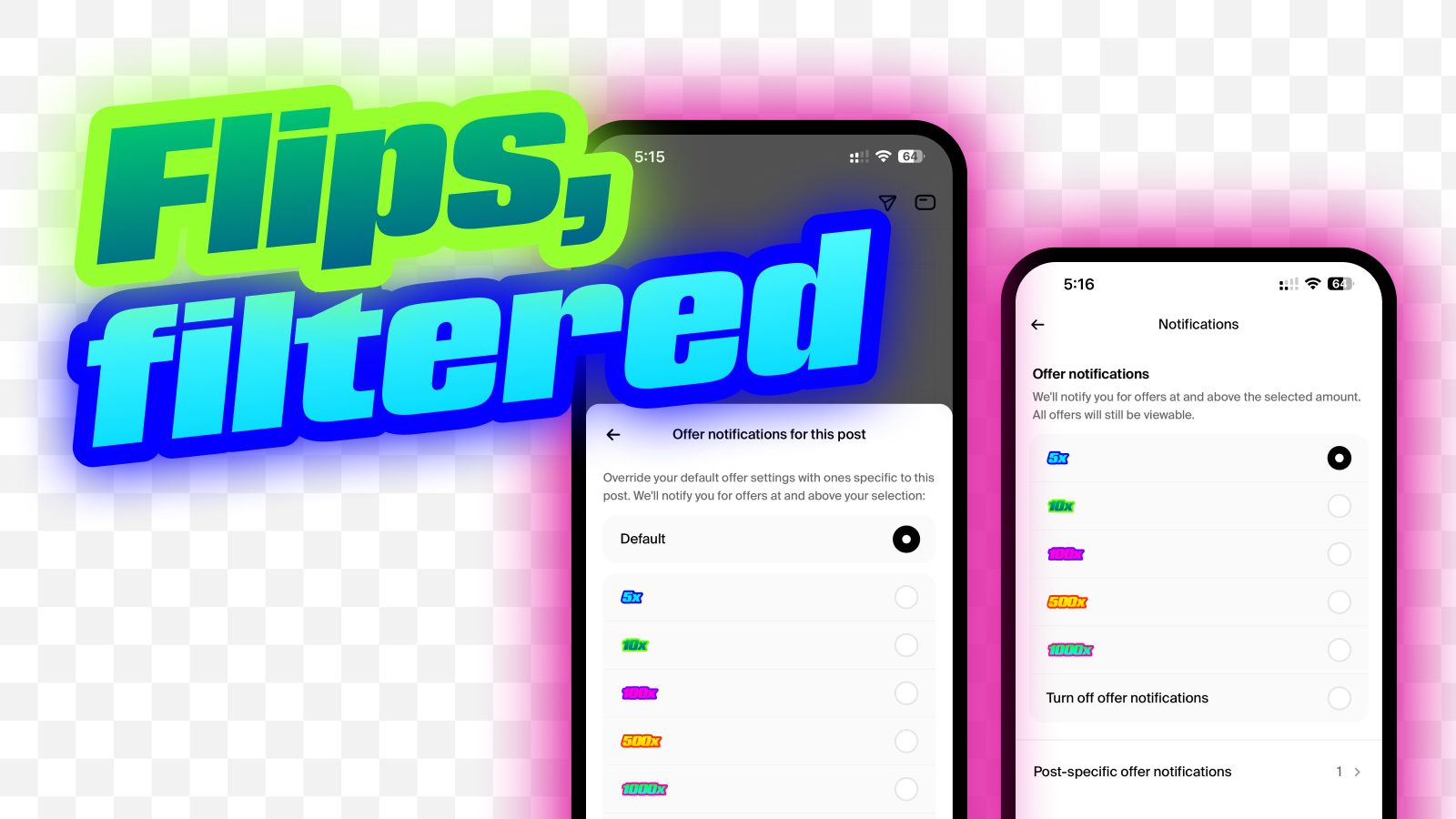
Flips, filtered
Can you ever have enough offers? For some of you, the answer is yes. And that's okay. You can now select which offers show up in your notifications:
By type: Filter out offers based on 5x, 10x, 100x, etc. To do that, go to your Notifications Settings. Let's say you select 10x. That means you’ll receive notifications for offers 10x and higher.
By post: Mute offers on specific posts. Go to the post, click the three dots, and choose "Edit post offer notifications."
Rodeo means something different for everyone. Tailor the experience to what matters most to you.
Write a comment...